
AI video generator for iPhone
VidArt AI Turn any photo or idea into a video in seconds.
Animate your photos, join the dance everyone is doing, make a face sing or type a few words and watch the scene come to life. No editing skills needed.
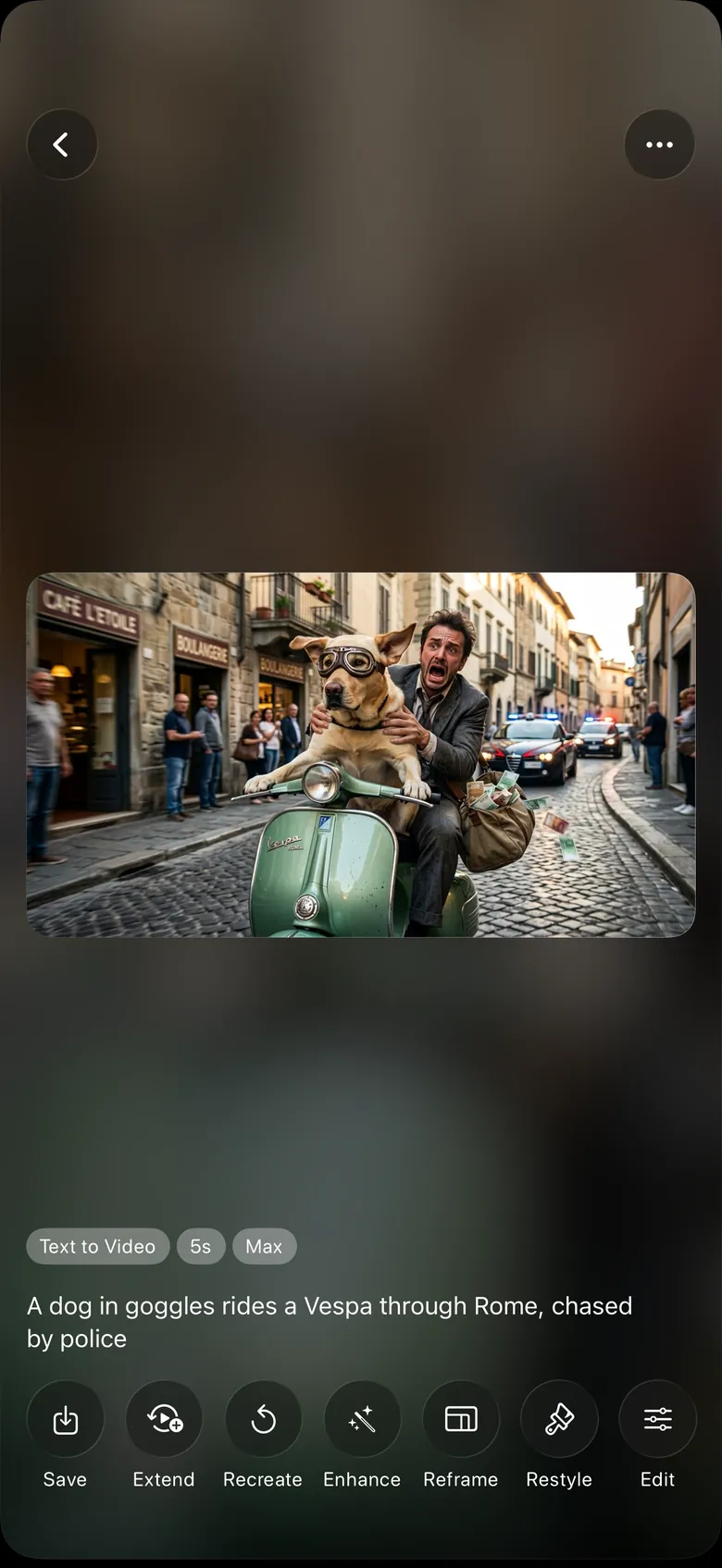
- Photo to Video
- Text to Video
- Viral Dances
- Lip Sync
- Restyle
- 250+ AI Effects
- AI Images
From photo to video in three taps
VidArt does the hard part. You pick what to make, it makes it.
-
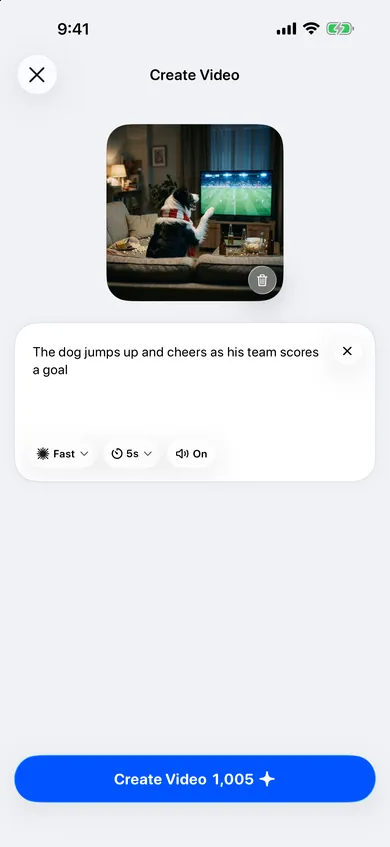
Add a photo or an idea
Pick a photo from your library, or describe the scene you have in mind in a few words.
-
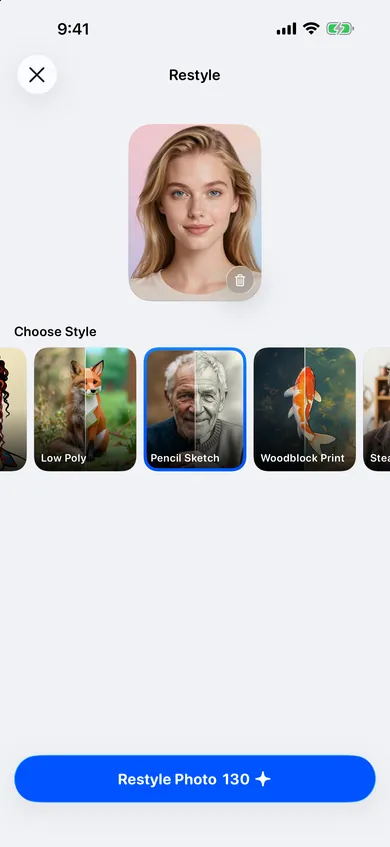
Choose a style or effect
Browse trending effects, dances and art styles. Every one is a single tap.
-
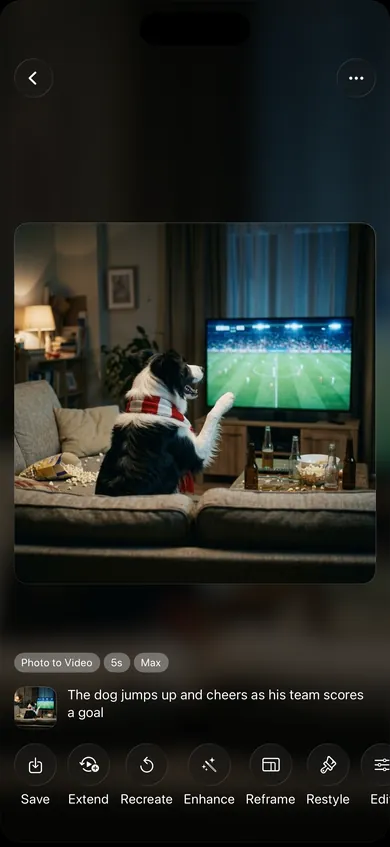
Watch, save and share
Your video is ready in seconds. Save it to Photos, share it, or extend and enhance it.
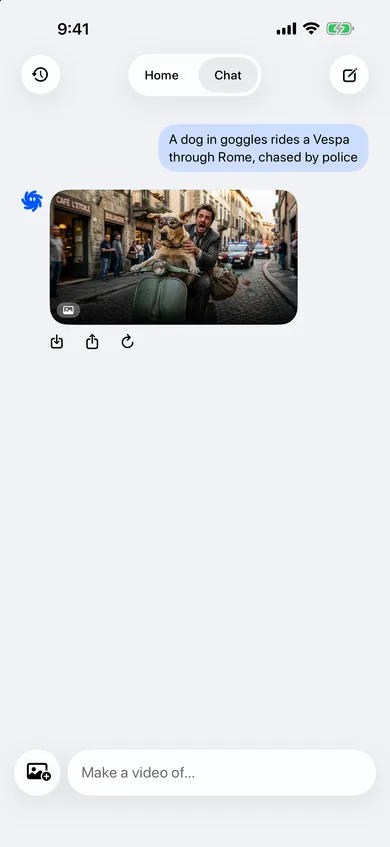
Meet Mio
Your AI creative partner
Not sure which effect to pick? Just tell Mio what you want, in your own words and your own language. Add a photo if you like. Mio finds the right tool and makes the video or image for you.
- Chat your idea, get a video back
- Approve every creation before Credits are used
- Ask for changes and try again in the same chat
Everything you can make with VidArt
One app for AI video, from viral trends to cinematic scenes.
-
Photo to Video
Bring any photo to life with motion, camera moves and sound.
-
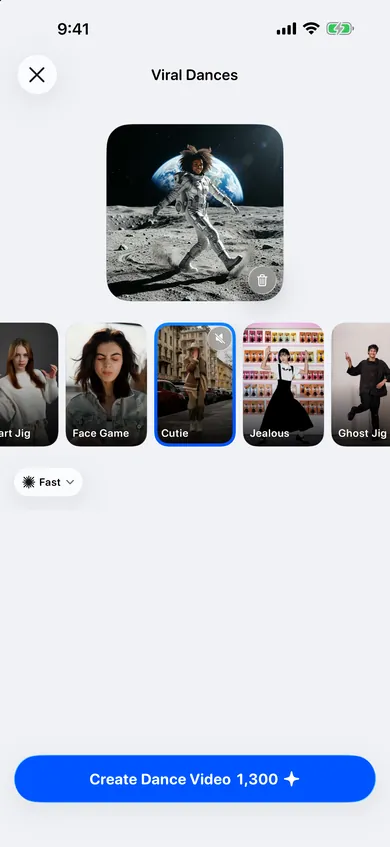
Viral Dances
Put yourself or anyone in the dance everyone is doing.
-
Lip Sync
Add any voice and make a face talk or sing.

-
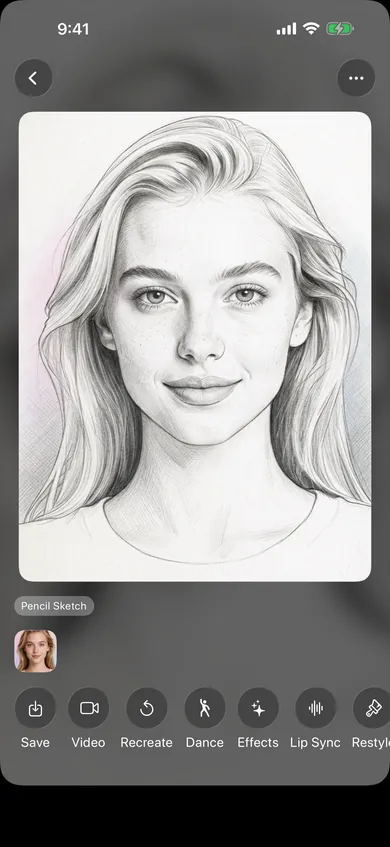
Restyle
Turn a photo into a pencil sketch, anime, 3D toon and more.
-
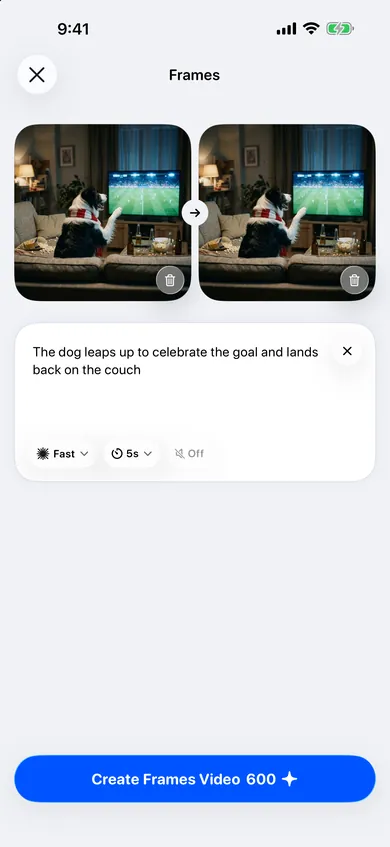
Frames
Morph from one photo to another in a single smooth shot.
-
Text to Video
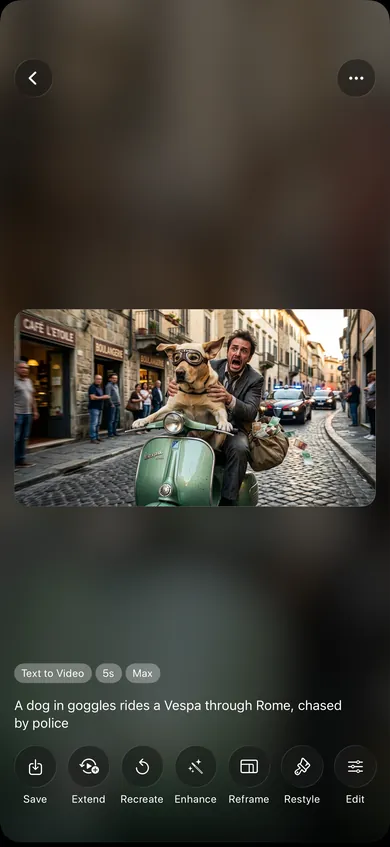
Describe a scene and watch it play out, then extend, reframe or enhance it.
Why VidArt
Private by default
Everything you create stays private unless you choose to share it.
Free daily Credits
Claim free Credits every day, or get more with a pack or a subscription.
Made for iPhone and iPad
A fast, native app for iOS 17 and later, in 50 languages.
Questions about VidArt
What is VidArt AI?
VidArt AI is an iPhone and iPad app that turns your photos and ideas into short videos. Animate a photo, join a viral dance, make a face talk, restyle a picture or describe a scene and watch it come to life.
Is VidArt free?
VidArt is free to download. Each video or image uses Credits. You can claim free daily Credits, buy a Credit pack, or subscribe for more Credits each month.
Which devices does VidArt work on?
VidArt works on iPhone and iPad with iOS 17 or later.
Who is Mio?
Mio is the AI creative partner inside VidArt. Tell Mio an idea in your own words, or add a photo, and Mio suggests the right effect and makes the video or image for you.
Are my videos private?
Yes. Everything you create stays private unless you choose to save it or share it.
Is it VidArt, Vidart or Vid Art?
The app is called VidArt AI, often shortened to VidArt. Searching for Vidart or Vid Art finds the same app.